Pattern Library
Cut repeating patterns into any face of your model. Honeycomb, circles, lines, diamonds — with automatic boundary clipping.
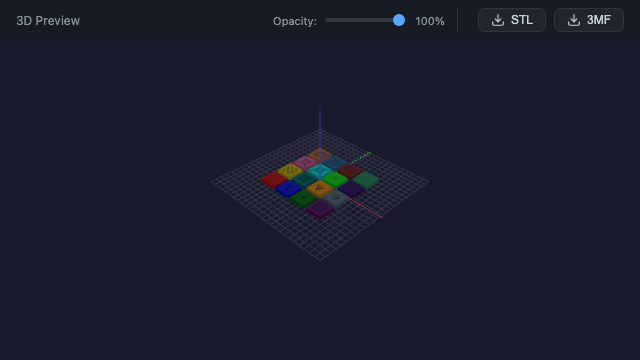
cutPattern API
The cutPattern() function cuts repeating geometric shapes into any face of your model. Select a face, choose a pattern shape, and set your dimensions — the pattern automatically fills the face with proper spacing and alignment.
let result = box(80, 80, 5)
    .faces(">Z")
    .cutPattern({
        shape: "hexagon",
        width: 8,
        spacing: 2,
        border: 3
    });
Pattern Shapes
Built-in pattern shapes for every need:
- Hexagon — honeycomb patterns, optimal for structural lightweighting
- Circle — round perforations with configurable diameter
- Diamond — rotated square patterns for decorative panels
- Line — parallel slot patterns, configurable angle
- Square — grid patterns for ventilation or aesthetics
Smart Clipping
Patterns automatically clip to the face boundary. Two clip modes handle edge cases:
clip: 'partial'— clips shapes at the face edge (partial shapes appear at boundaries)clip: 'whole'— only keeps shapes fully inside the face (clean edges)
A configurable border parameter insets the pattern from the face edges, maintaining structural integrity.
Try Pattern Library in the browser editor
Open Editor